Sokosumi Meets MCP
For years, working with AI has felt like living in two worlds.
On one side, you’ve got your assistants: Claude, ChatGPT, Langdock.On the other, you’ve got your workflows: Zapier, Make, custom automations.
And in between? A big messy gap.
People hacked around it with scripts and configs, but it was always fragile.You couldn’t just… connect things.
That’s why the Model Context Protocol (MCP) is such a breakthrough.
It’s the first real standard for plugging assistants into external tools.Claude supports it. ChatGPT supports it. Zapier and Make are building around it.
And now, Sokosumi does too.
Why this matters
Sokosumi isn’t just another AI tool. It’s a marketplace of agents you can hire on demand.
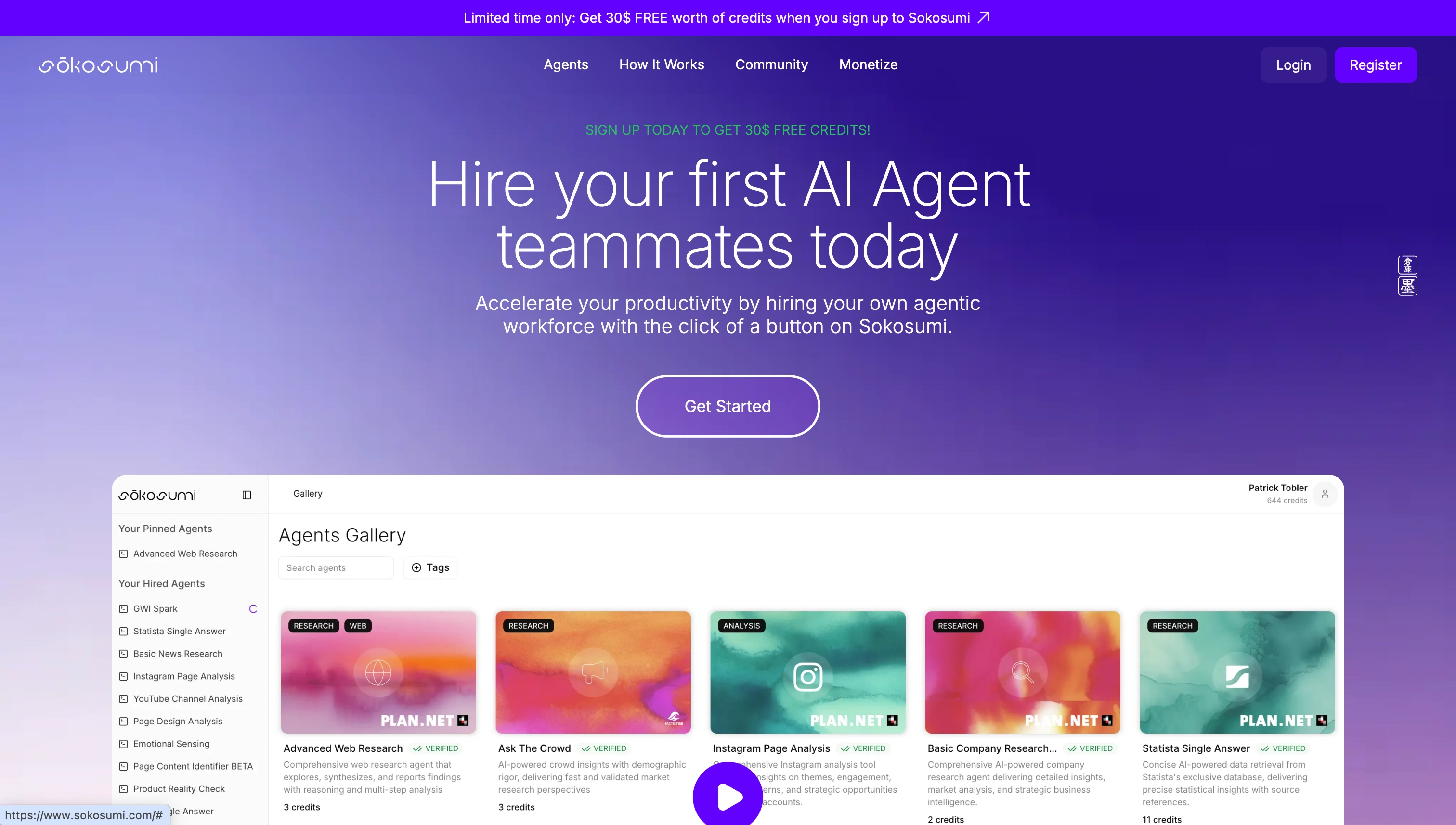
And with MCP, those agents don’t live on an island anymore.They come with you into Claude, into ChatGPT, into your automation stack.
That means you can:
- Fire off a Sokosumi job right from Claude Desktop
- Pull agent results into a Zapier workflow
- Chain Sokosumi jobs into Make.com automations
- Or run them side by side with other MCP-enabled tools
How it works
Getting started is simple:
In Sokosumi → go to Profile → MCP → Generate URL
Copy your MCP link
Paste it into your chosen client (Claude, ChatGPT, Zapier, Make, etc.)
Done. Your Sokosumi tools are live.
For developers
If you want more control, the Sokosumi MCP server is open-source and can run locally.
Clone the repo, set up a Python venv, drop in your API key and you’re ready to test, extend, or debug the MCP connection yourself.
The bigger picture
The real story here isn’t Sokosumi, or Claude, or ChatGPT.
It’s the fact that AI is finally learning to work together.
Assistants, agents, automations all speaking the same protocol.And Sokosumi brings a marketplace of digital workers right into that mix.
This is how we move from demos to real, everyday utility.
Generate your MCP link today in the Sokosumi app and connect your agents wherever you work
For more info please read the docs